See it in a minute.
Three things a folder of PDFs and a phone full of MP3s can't do.
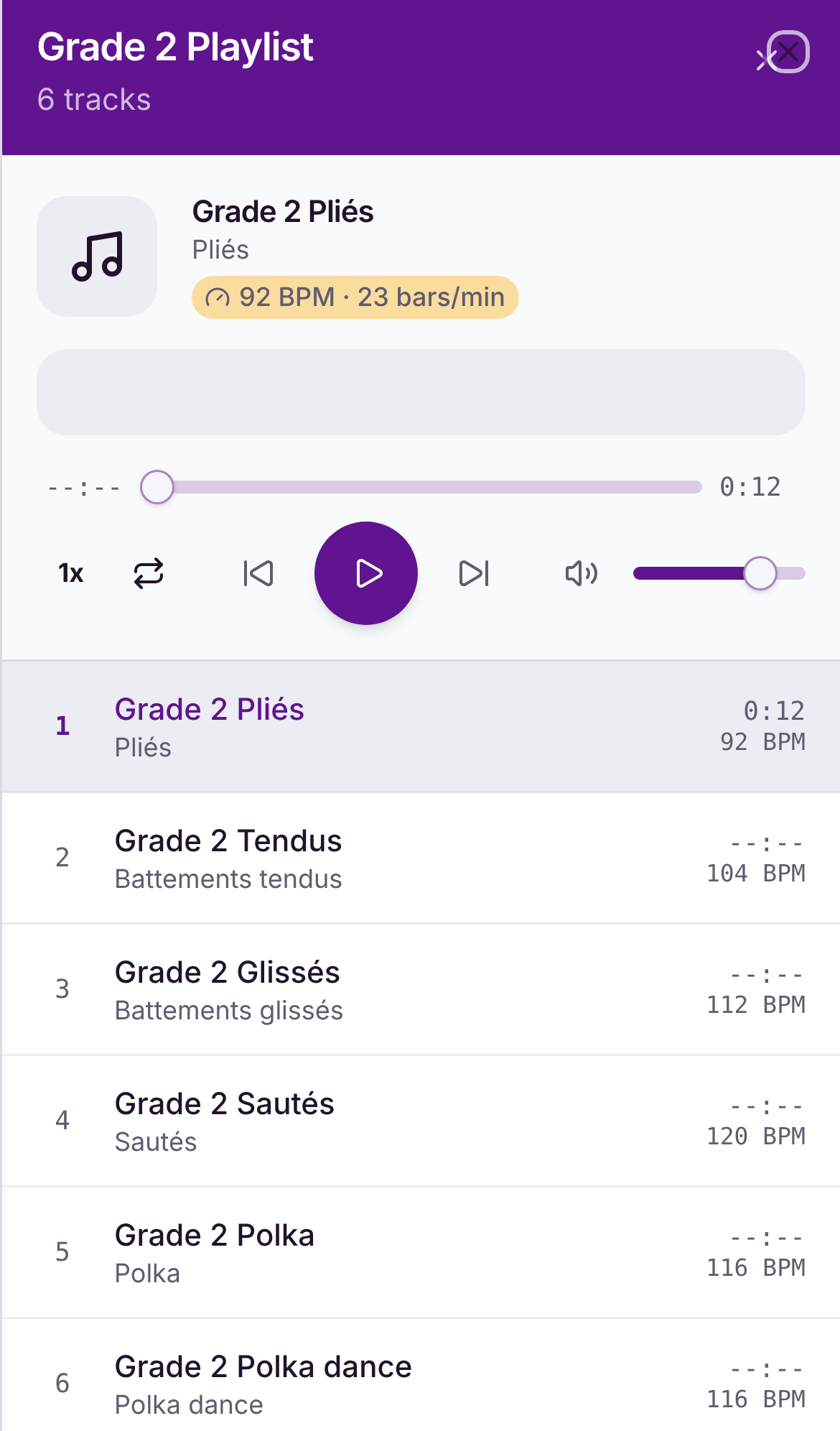
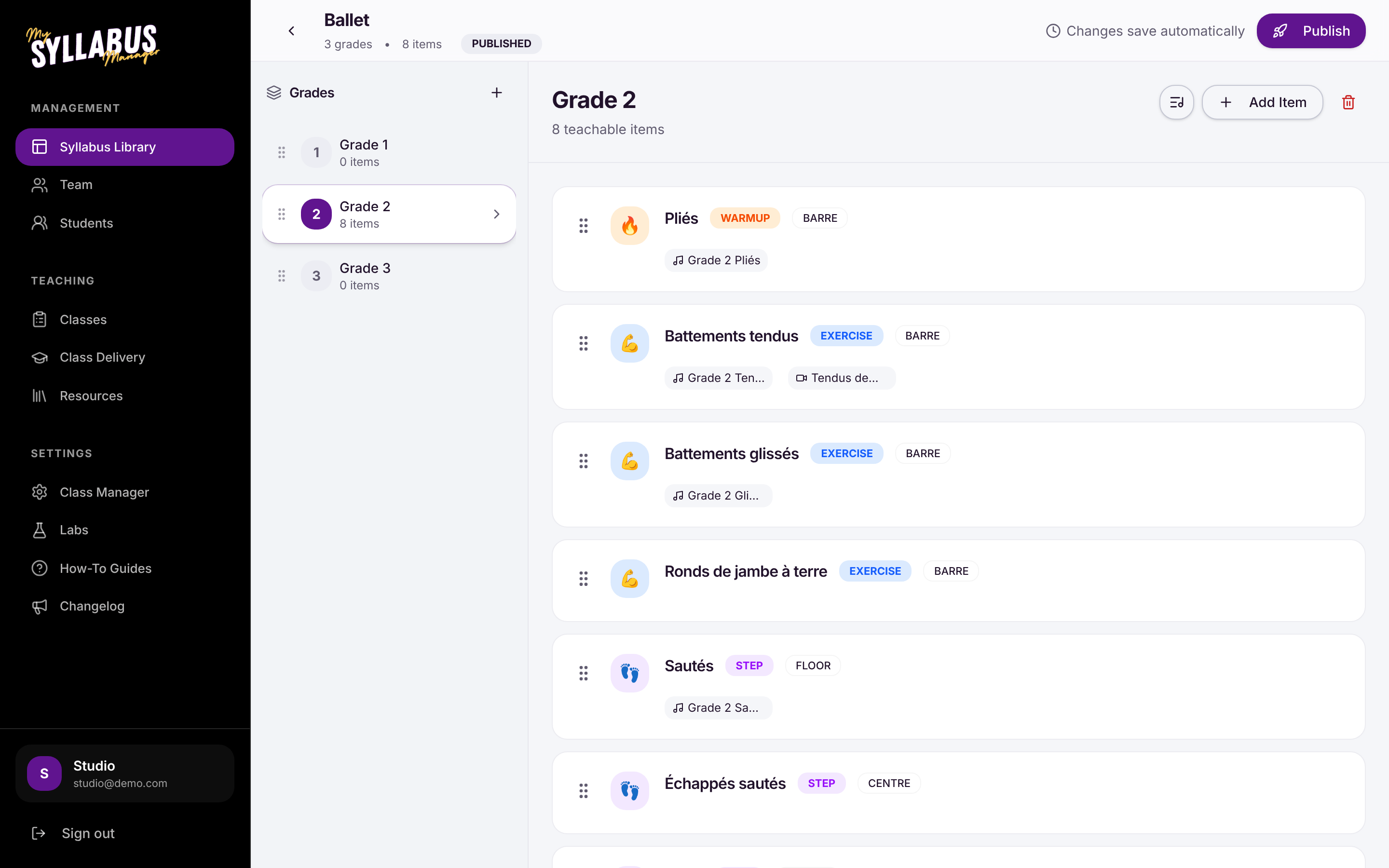
The music is already on the step.
Upload each track to its grade once. In class the teacher presses play and the next track lines up on its own. No asking who has the CD.
Tempo is worked out for you and shown on every track, so a substitute teacher counts in at the right speed.
Know which students can do the step.
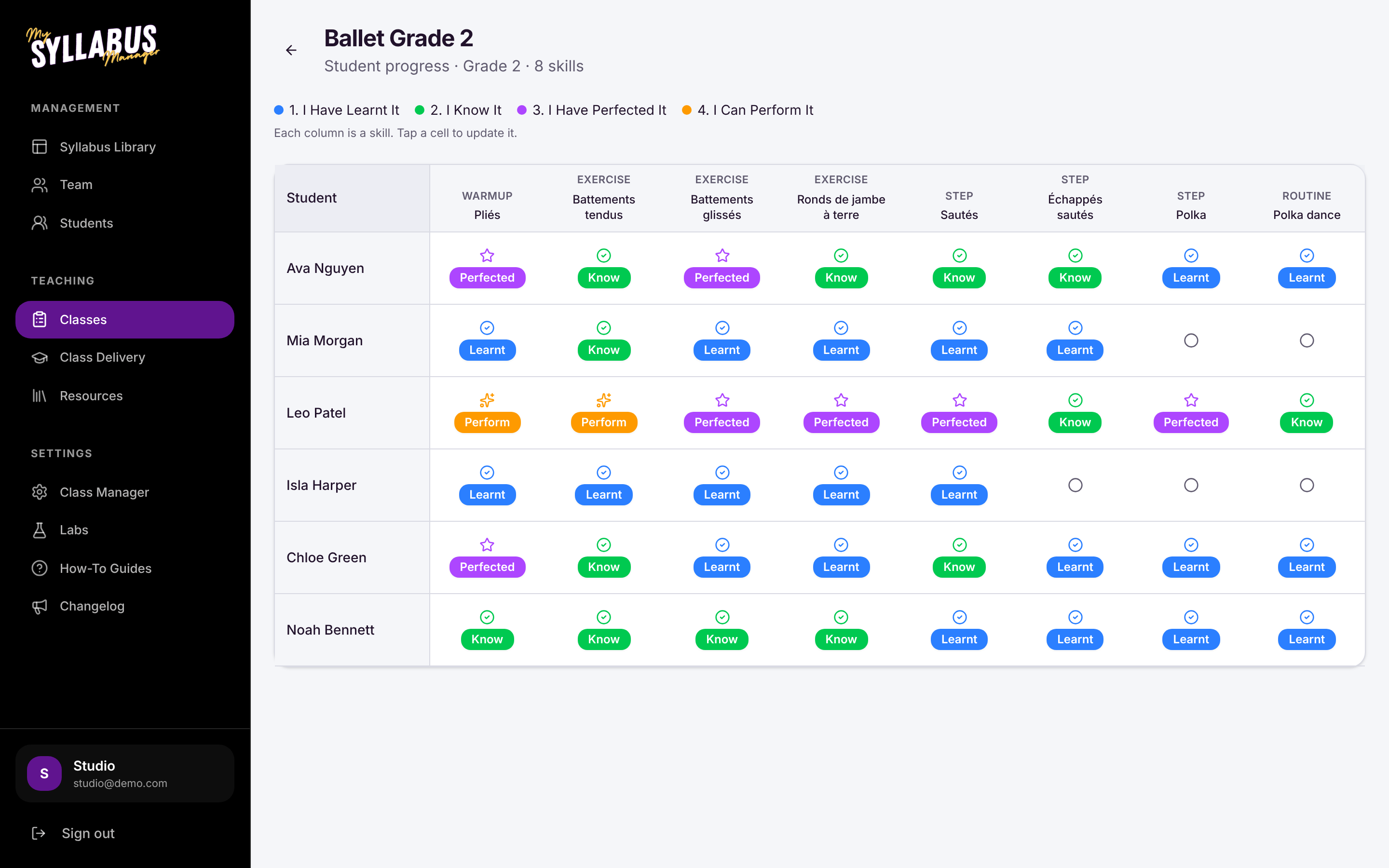
Mark each student on every step: I Have Learnt It, I Know It, I Have Perfected It, I Can Perform It. The whole class sits in one grid, so you can see who's ready to move up and who needs another term.
A new teacher can pick up your grade and teach it.
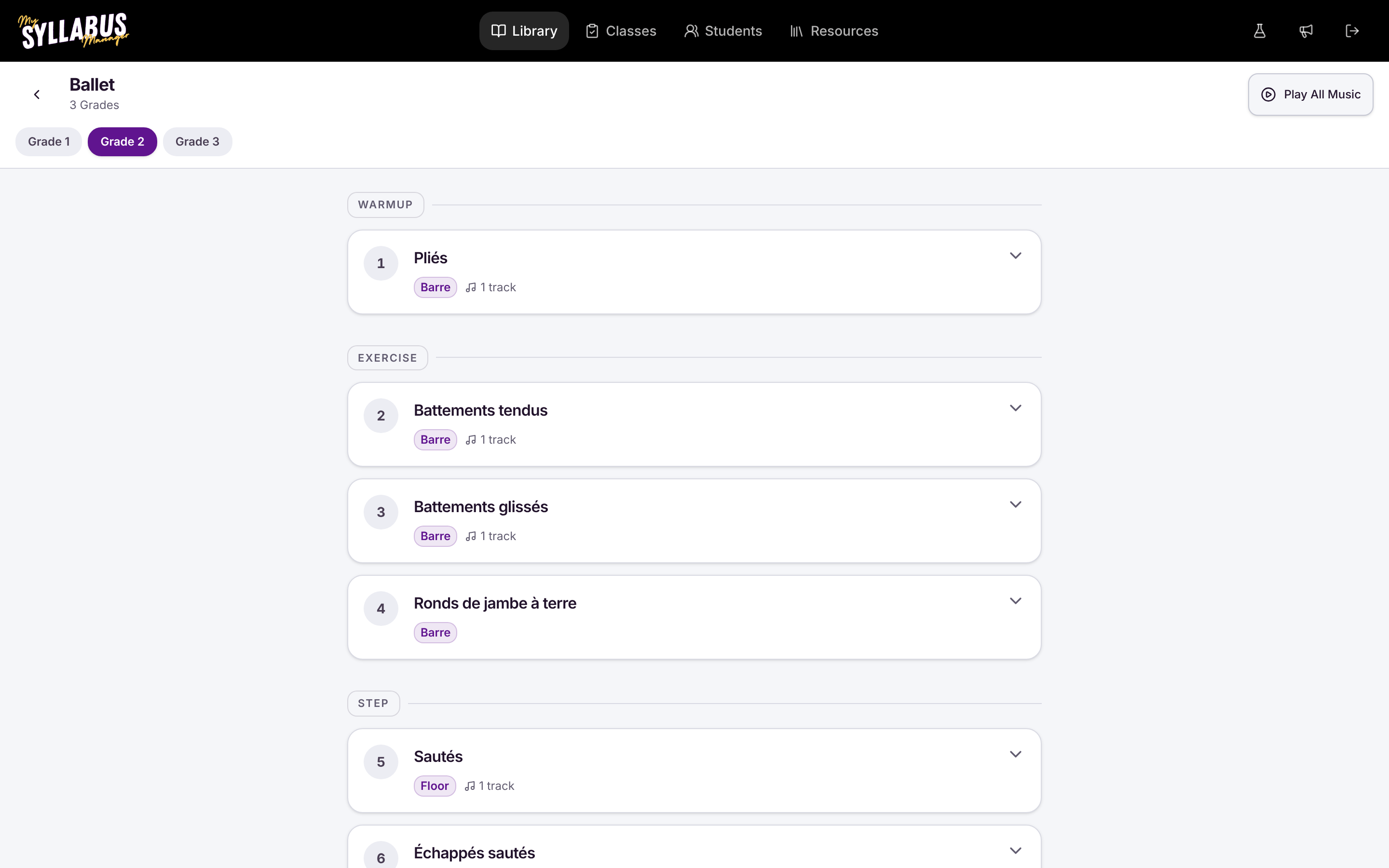
Every step carries your notes and a video of how you want it done, tagged Barre, Floor, Corner or Centre. Paste a YouTube, Vimeo or Dropbox link and it's there on the teacher's phone.
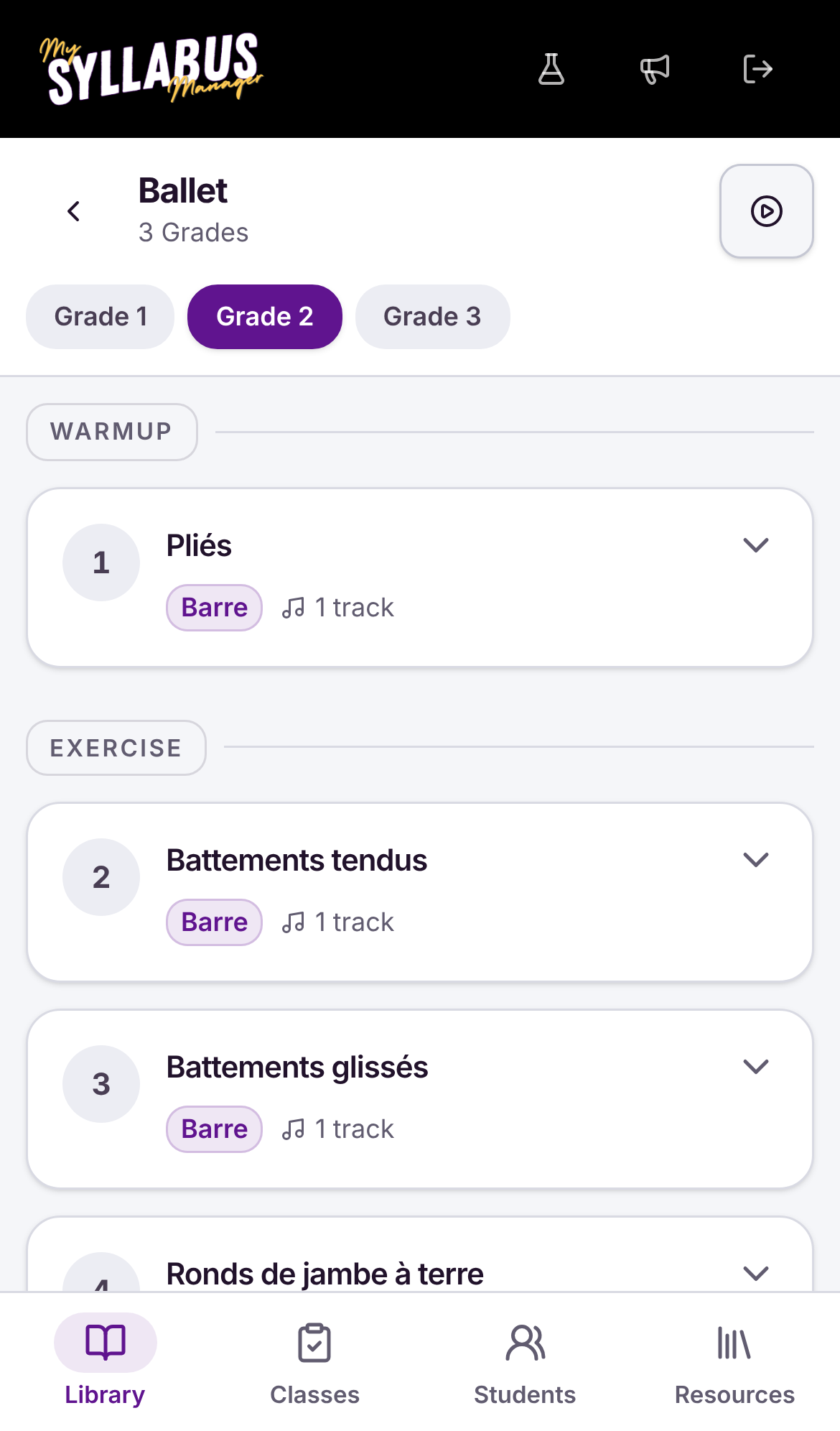
The music keeps playing when the phone goes in a pocket.
Teachers get the iPhone and iPad app at no extra cost. They download it, sign in and open their grade. Lock the screen and the track carries on.
See the teacher appThree steps to set up.
-
Build your grades
A syllabus for each dance style, then its grades. Fill each grade with steps, routines, warm-ups and exercises and drag them into the order you teach them.
-
Link grades to classes
Classes and students come across from My Class Manager, or add them yourself. Tell each class which grade it's working on.
-
Invite your teachers
Send each teacher a link. They set a password and the grade, the music and their students are there.
One plan for the whole studio.
$39a month, 14 days free
Every teacher gets the iPhone and iPad app.
Start the trial- Syllabus builder: grades, steps, notes, location tags
- A music playlist for each grade, tempo shown on every track
- Video links on any step
- Student progress on four levels, with sign-off notes
- Teacher logins by invite link
- Classes and students synced from My Class Manager
- Resource files for each syllabus
- iPhone and iPad app for teachers
Already with My Studio Manager on the Studio Bundle, or paying $197 a month or more? My Syllabus Manager is included at no extra cost. About the Studio Bundle
Build one grade and hand a teacher the link.
Fourteen days free. You'll know after one class whether it's for you.